

First 14 days with PRO features
FabSync Free
Free
One project, enough to see what it does.
- 1 active project
- 25 new parts / month
- 25 AI credits / month
- 1 GB of storage
- STEP reading, 3D preview and model
- 1 package and supplier link
How it works
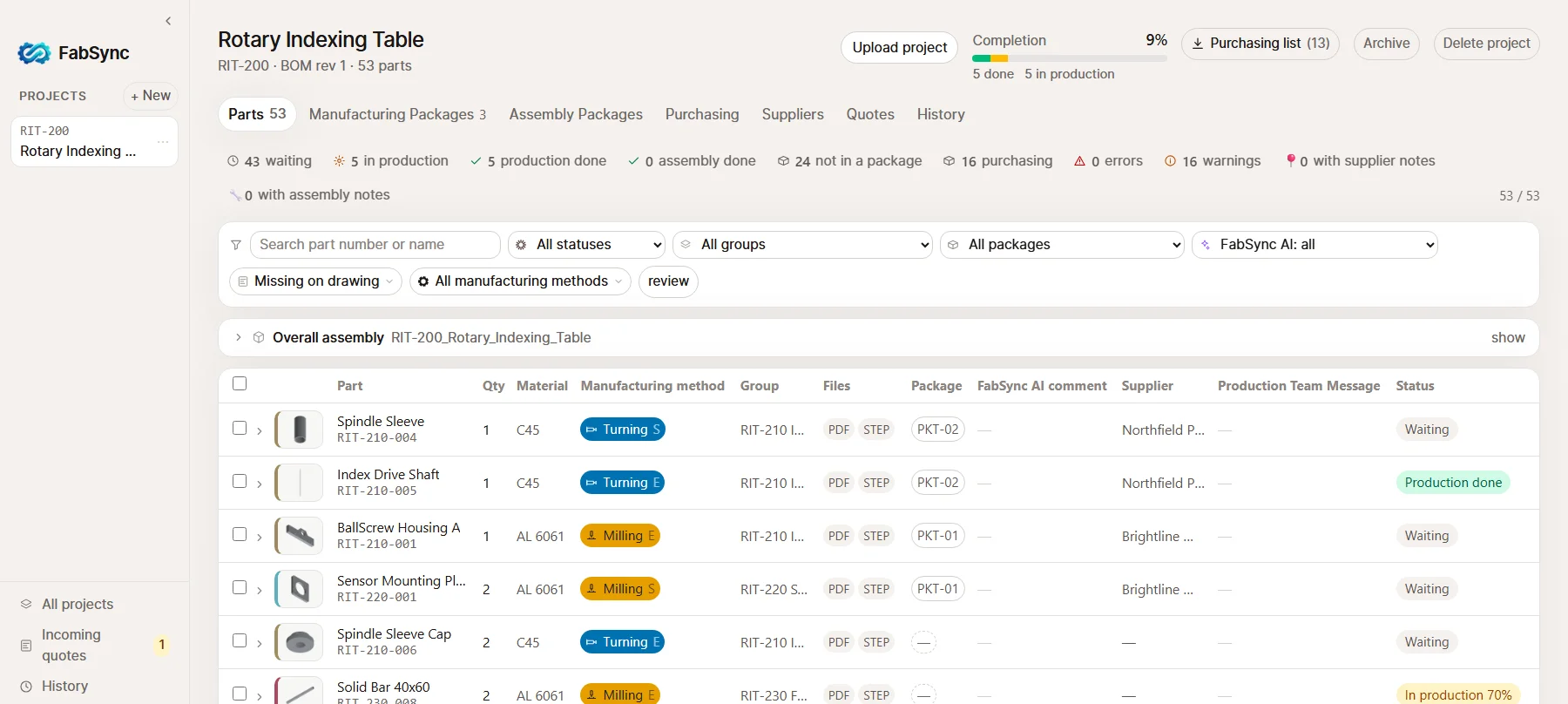
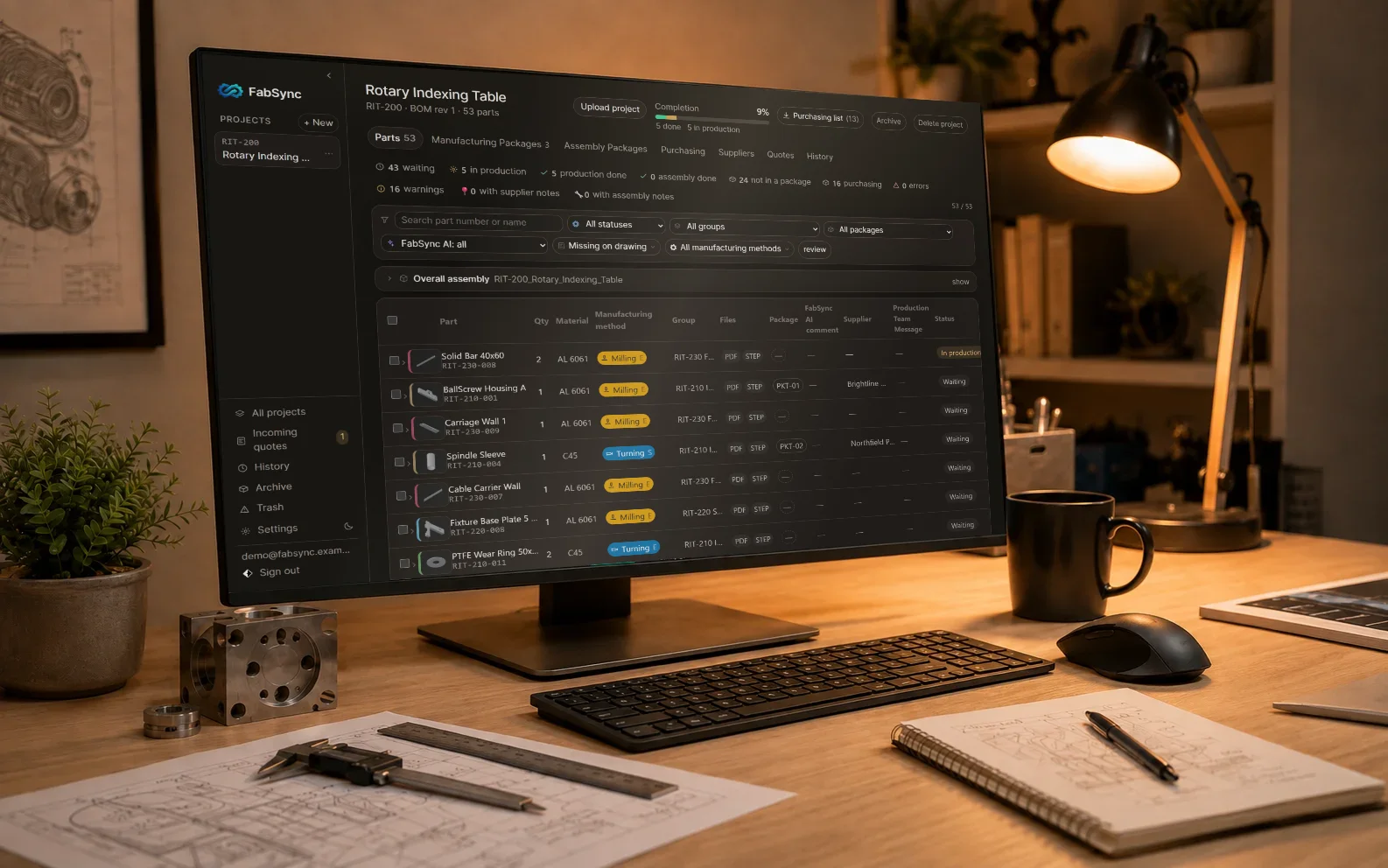
Assembled view.
Feedback from the shop floor
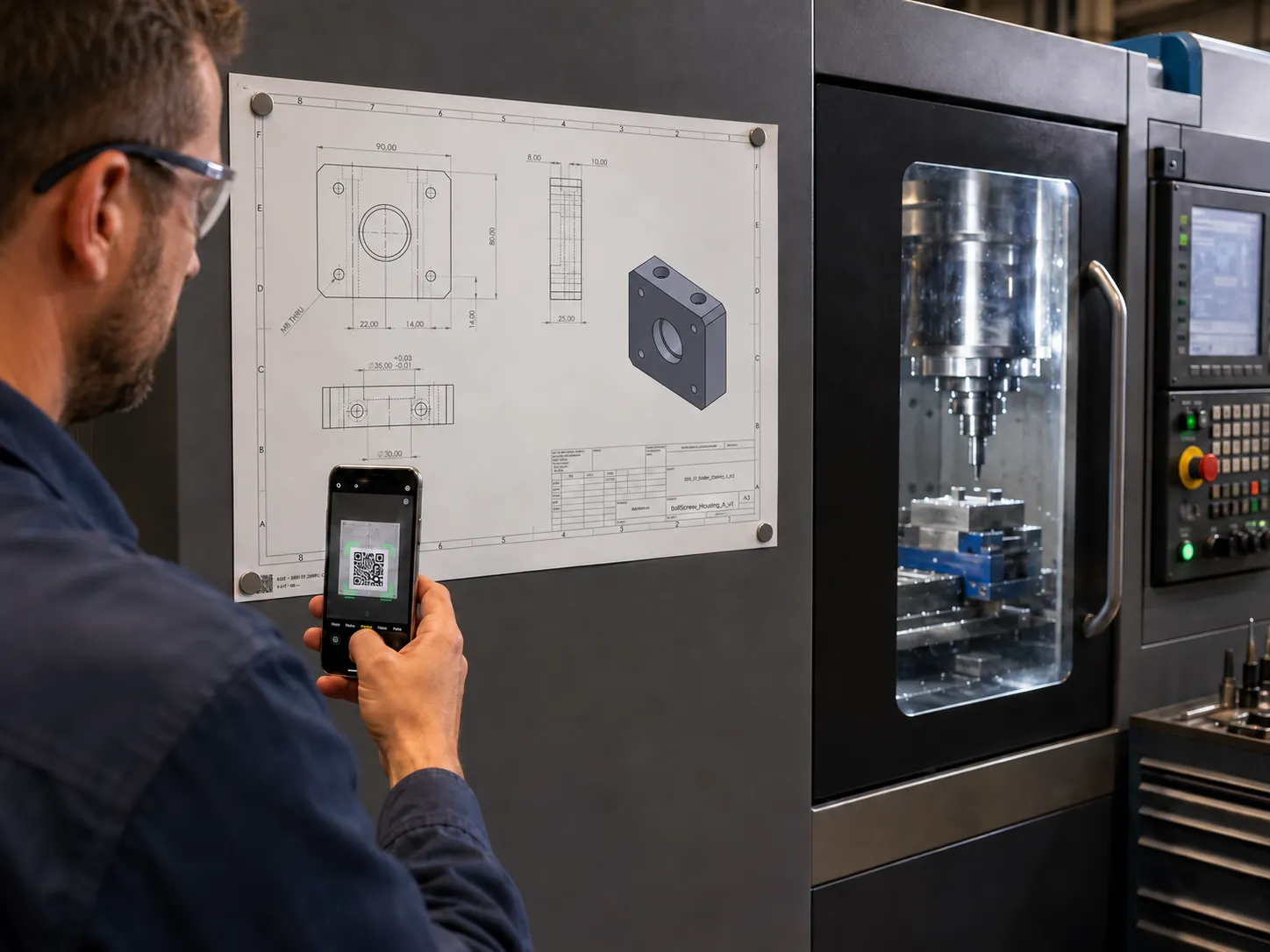
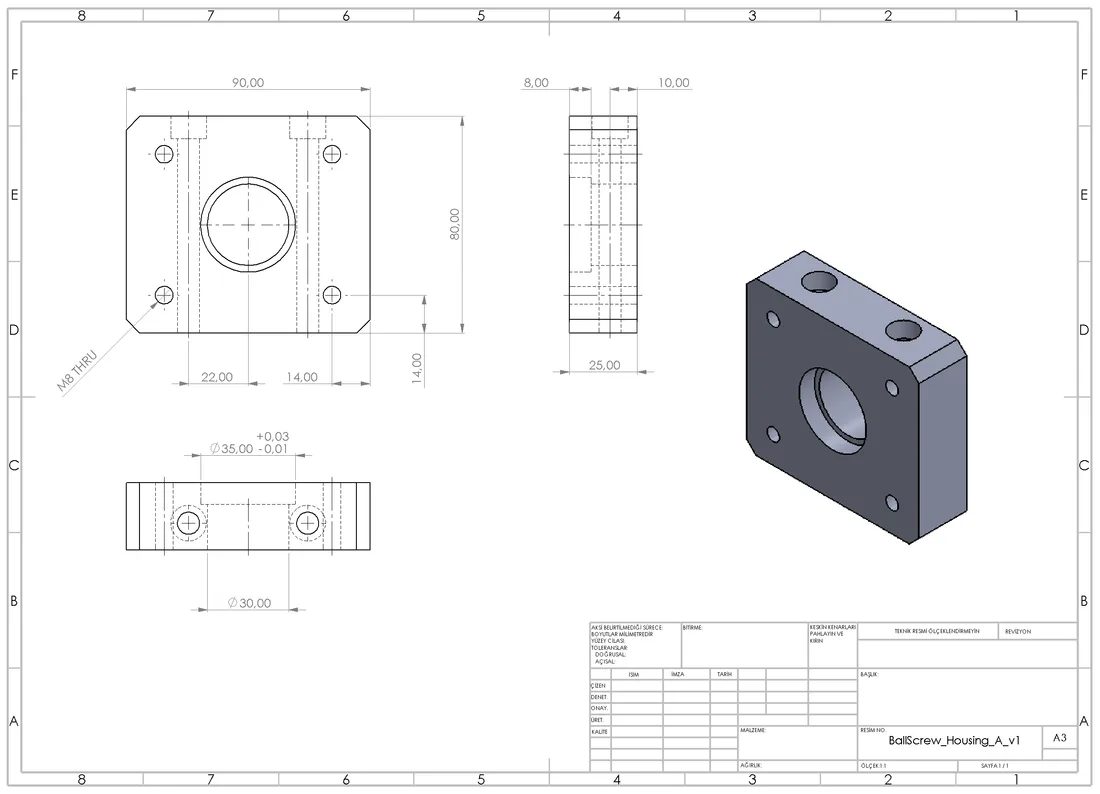
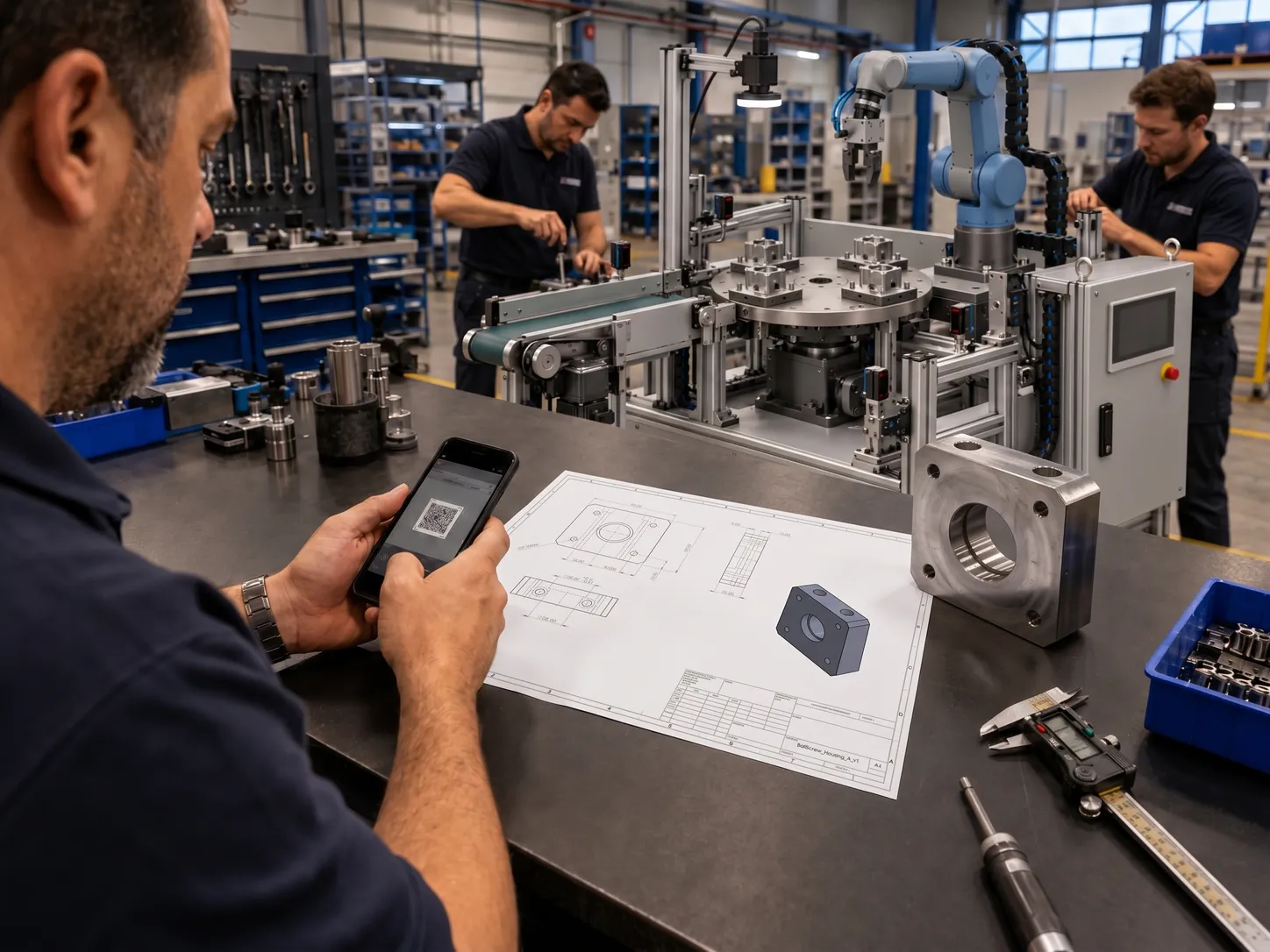
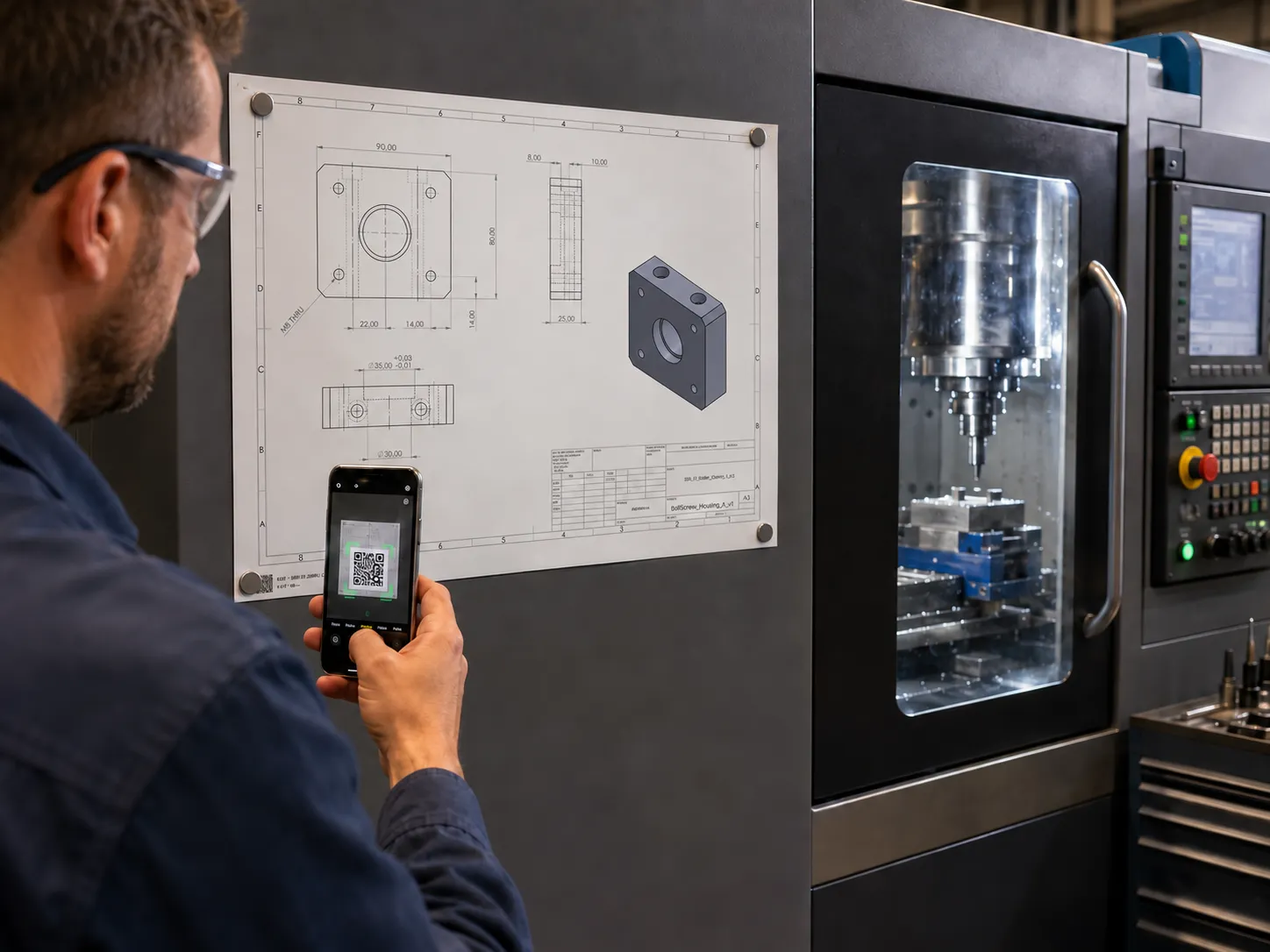
Every part carries its own QR code on its drawing. Whoever is at the machine scans it with a phone and sees the part, the drawing and the package. No app to install, no account to open.
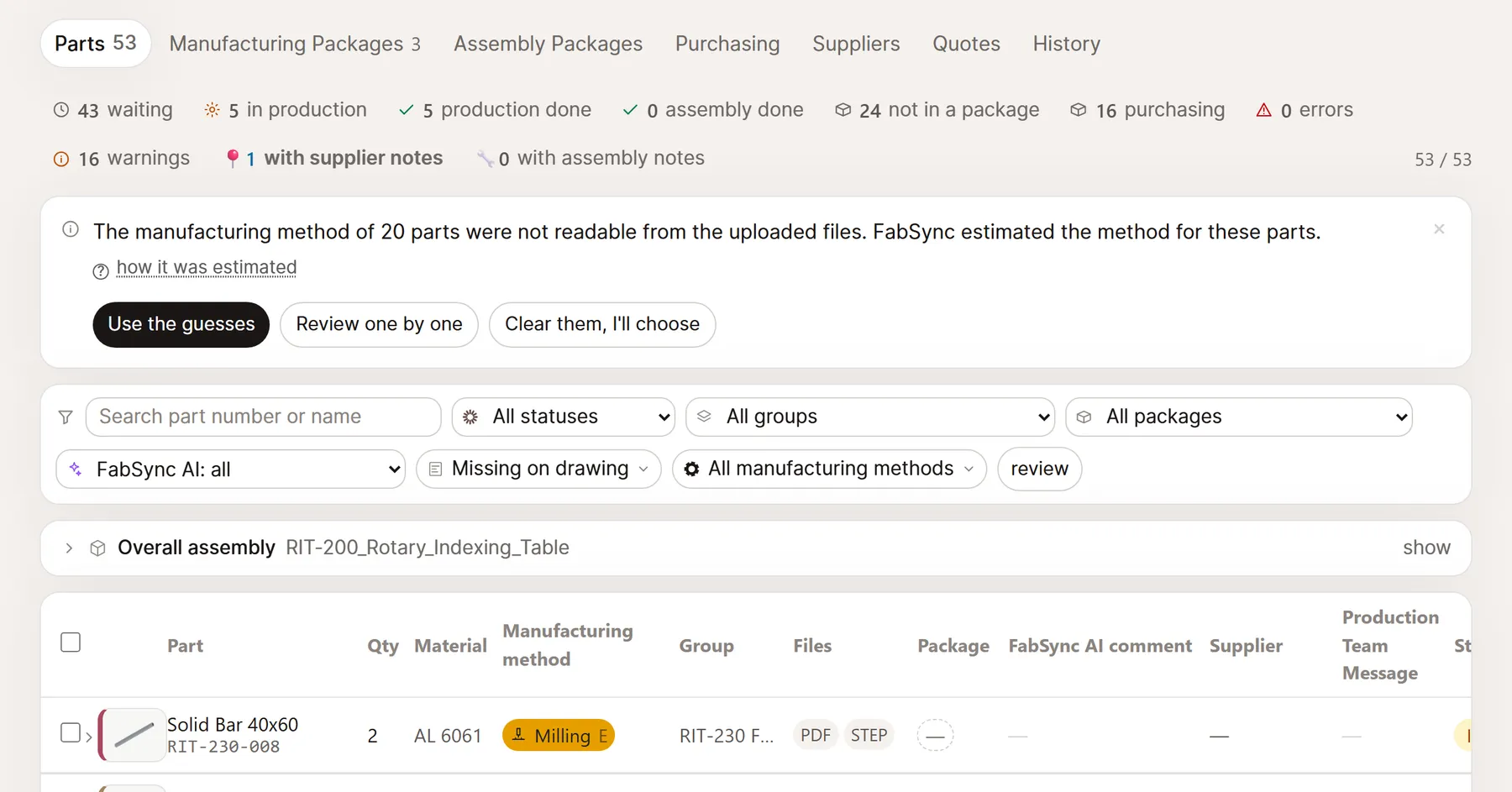
They update the status and leave a note* if needed. The note lands on the project screen at once — no waiting, no phone tag.
* part finished, something missing on the drawing, please get in touch
Feedback from assembly
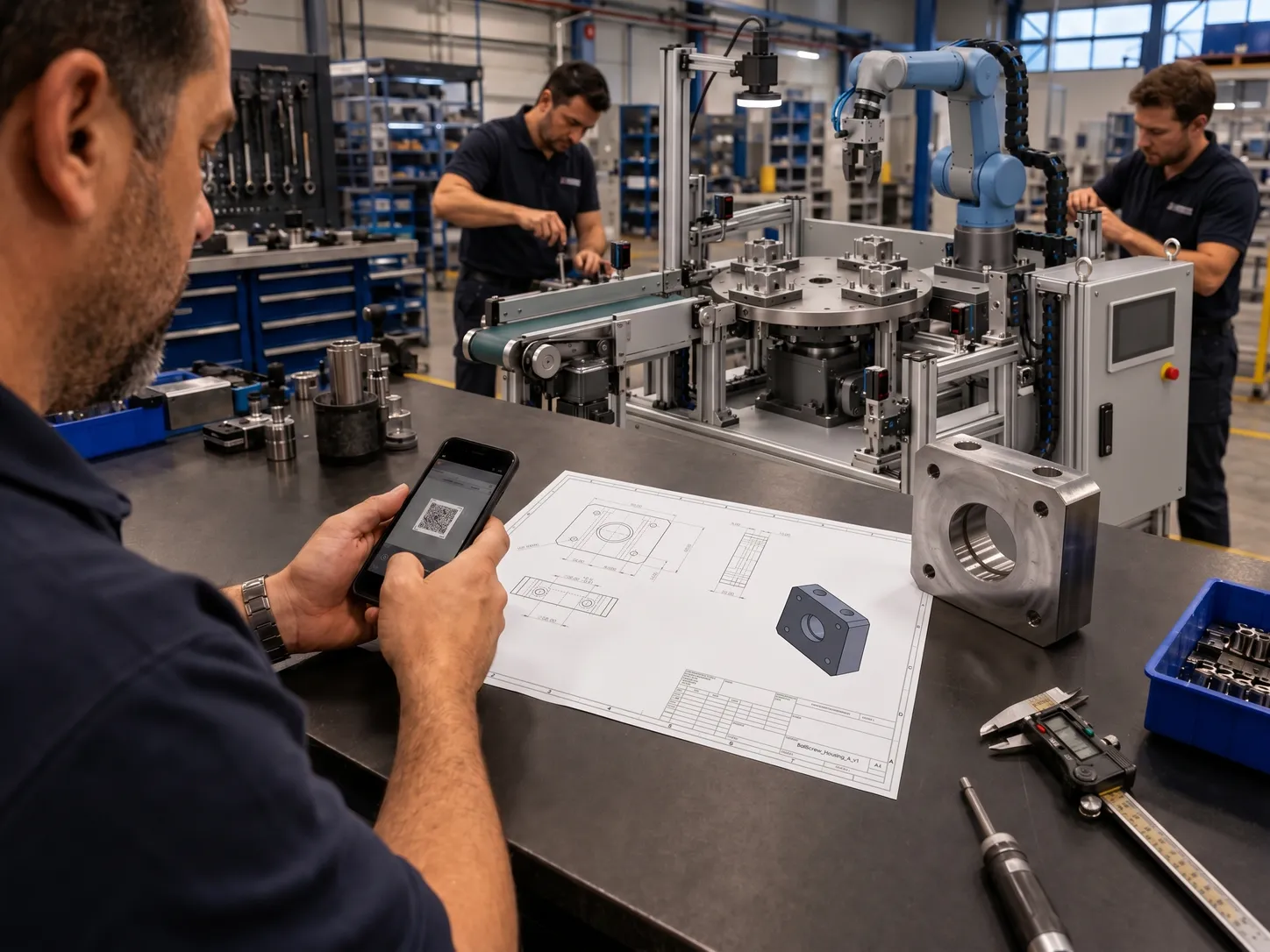
Scanning the QR on the assembly drawing shows the fitter exactly which part they are looking at. If a hole does not line up or a bolt is the wrong length, they write it from there — nobody has to be called.
Assembly notes land on the same project screen; they are counted separately from manufacturing notes, and it is clear who sent them.
* assembly notes have their own counter, they do not get mixed in
Review
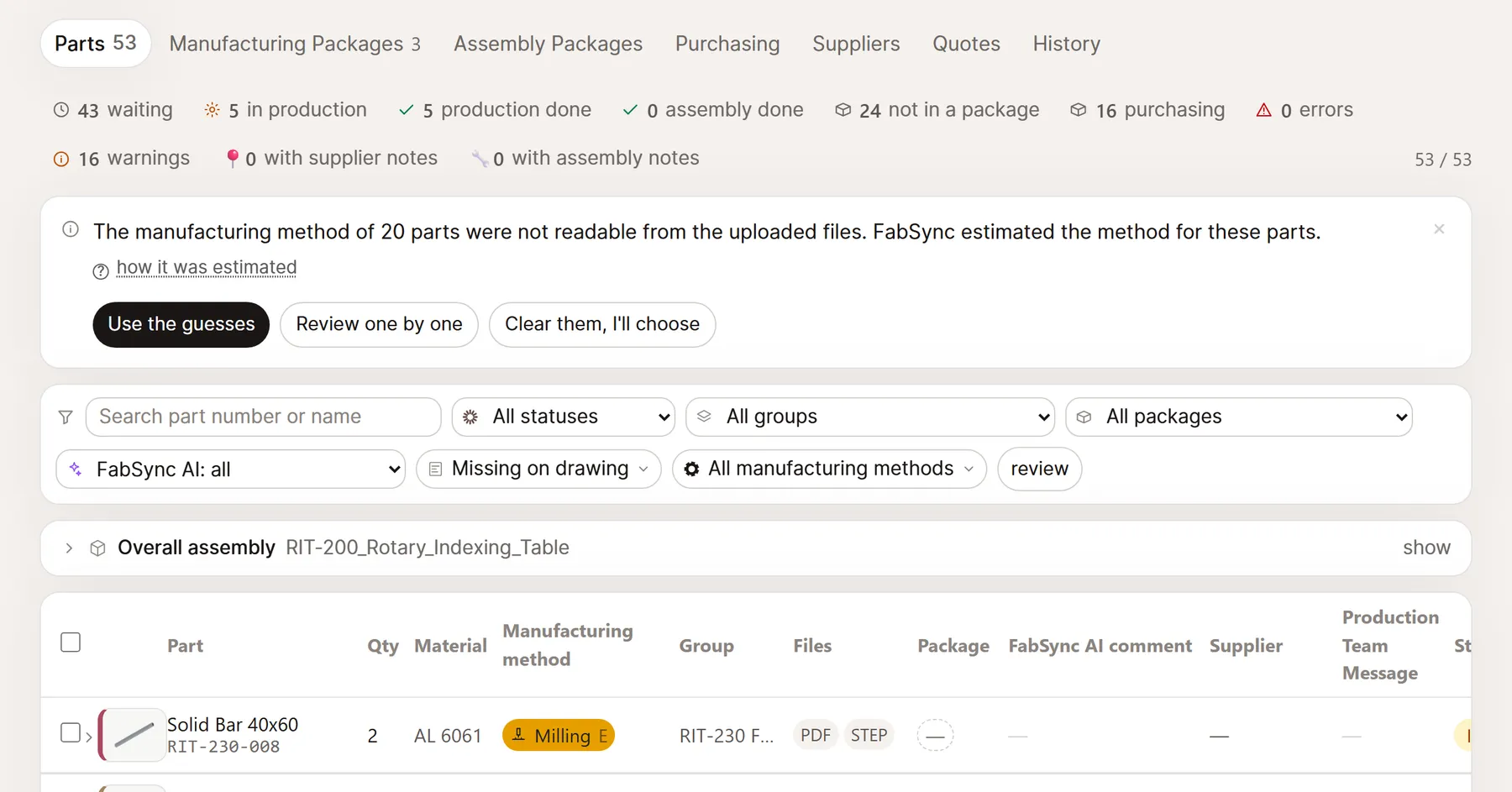
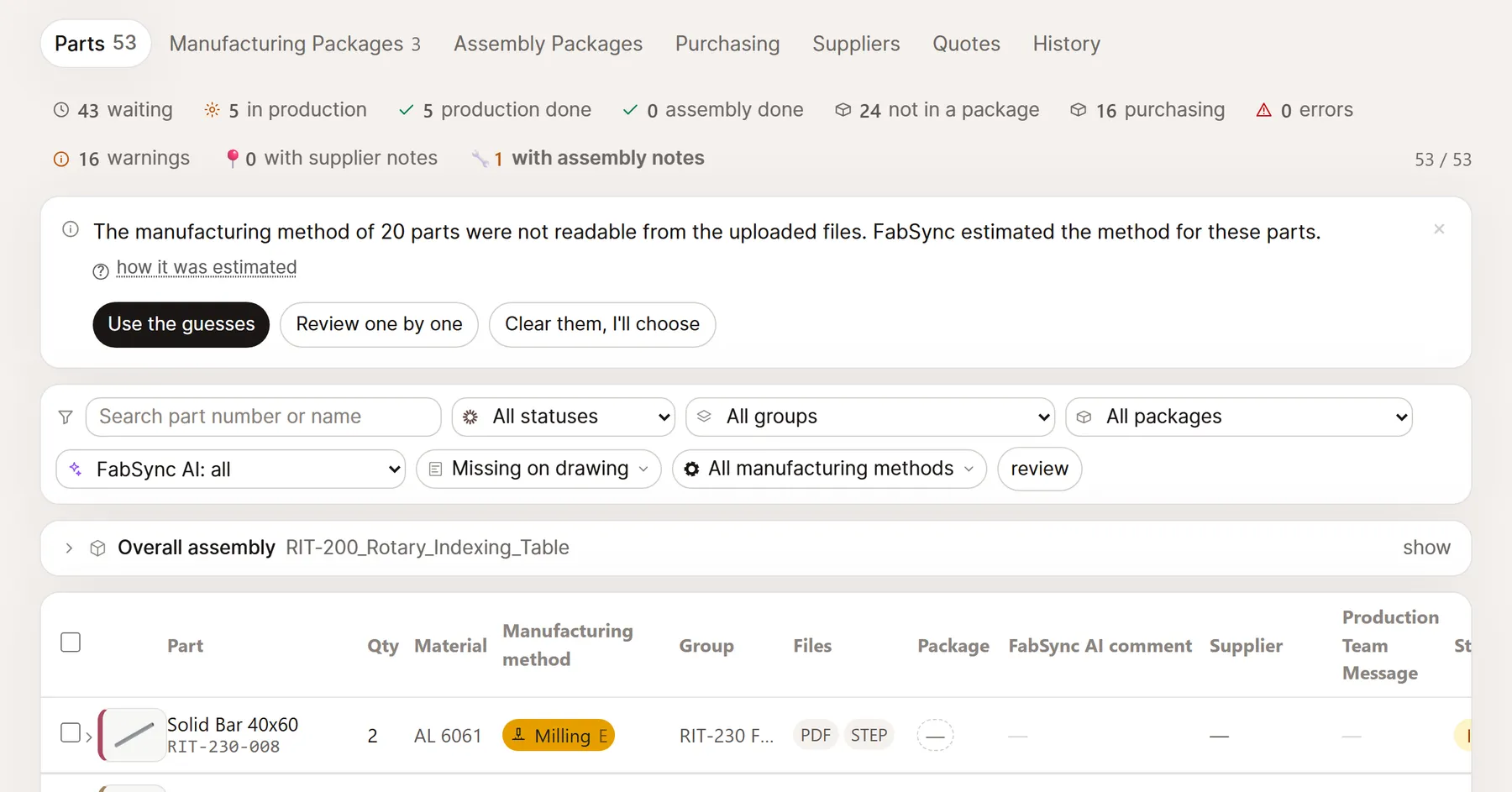
Upload your assembly; FabSync reads every part and decides how it should be made. You open them one by one: the 3D view, the drawing and what the AI found missing, side by side. Right — you approve. Wrong — you correct it.
Supplier handoff
Filter parts by process, select in bulk, build a package. Each supplier gets its own link and its own permissions. No account to create — they see the parts in their package, the drawing with its QR code and the 3D assembly, and download the files.
Quote score
Incoming quotes are laid side by side on four measures: reliability and quality carried over from past work, price and lead time taken from the quote itself. In a hurry, you raise the weight on lead time and the ranking recomputes at once. The score suggests — you choose.
Supplier character
All three suppliers start from the same neutral mark. Every part you take delivery of joins the average; early on the number swings, over time it settles. Eighteen months in, who did what is plain to see — and when the next quote arrives, those two marks are the half of the score that comes from history.
Collecting quotes
Your supplier writes the quote the way they always do; the only difference is the project's FabSync address in CC. The price, the lead time and the package it belongs to are read by AI from the body of the mail or from the attached Word, PDF or Excel file. When it cannot tell which supplier sent it, nothing is guessed — you are asked to confirm. Once confirmed the quote is scored and stands next to the others on the same measures.
Features
Laser cutting, profile cutting, CNC milling, turning, buy-to-print. Labelled from a rule table; packages are built along those labels.
Waiting, in production, done, not packaged, missing data, warning, revision. The counters double as filters.
Tolerance, surface finish, revision. Whatever the drawing leaves blank is listed before it reaches a supplier.
Suppliers create no account and pay nothing. They see and download as much as you allow; the link is revoked in one click.
Who downloaded which file and when, who revoked which link, who changed which status — all of it is recorded, and kept until you delete the project or close the account.
Manufacturing packages and assembly packages run separately, and the notes that come back land in separate counters.
First 14 days with PRO features
FabSync Free
One project, enough to see what it does.
Best for solo engineers
FabSync Pro
For the engineer working alone.
FabSync Team
Early membersPromotional rate for the first 12 months. $99/mo from the second year.
For growing teams
Payments through Lemon Squeezy · No-questions refund within 14 days · No ads · Suppliers never pay
Contact
Write directly about the product, billing or a data request. We answer within two business days.
Open an account, upload your STEP folder and try every Pro feature for 14 days; we ask for no card.
Start free. Signing up is quick and we ask for no card.